In a previous article I explained how subcommands let developers make command line tools that other people can extend. Here’s a way to use that technique to support multiple versions of kubectl with minimal faff.
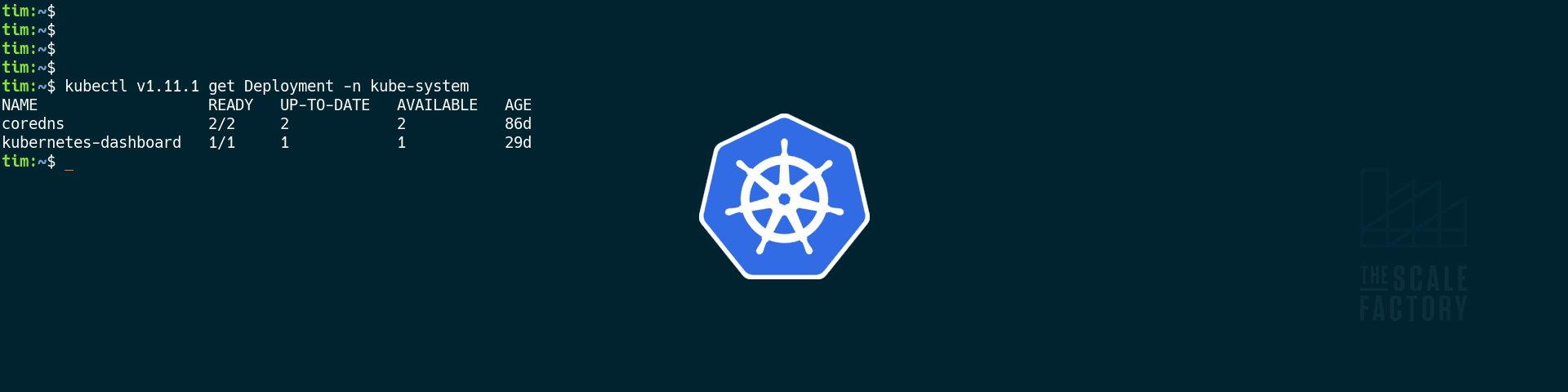
kubectl only officially supports a version skew of one minor version; if you have the latest kubectl and want to access an older cluster, you might well find this technique useful.
You’ll need to download the older version of kubectl; the official Kubernetes page on downloading kubectl explains that part. If you already have a recent version of kubectl installed, all you need to do is:
- save the downloaded file with a special name
- mark it executable.
Let’s say I’m downloading kubectl for Kubernetes v1.10.13. I save it into a folder in my $PATH, and I name it “kubectl-v1.10.13”. Then I make sure it’s executable, eg:
chmod 0700 /path/to/kubectl-v1.10.13
Now, I can use kubectl’s plugin and subcommand support to work with the legacy version that I just installed:
kubectl v1.10.13 get deployment
The main kubectl binary, that you already had installed, finds the legacy version and runs it with the remainder of the command line. And that’s all you need to do.